Universal Compatibility
Works on Any Device
Let me tell you, one of the first things that drew me to PDF files is their universal compatibility. Whether I’m on my laptop, tablet, or even my phone, I know that PDFs will open without a hitch. This means I can work from anywhere, and that’s super important in today’s hustle culture.
Have you ever struggled to open a file only to be met with error messages? Yeah, me too! But with PDFs, that’s a problem of the past. The format is supported by almost every operating system and device out there, which makes it a go-to for sharing documents with clients or colleagues.
This compatibility not only saves time but also helps avoid unnecessary confusion. By simply sticking to PDFs, I ensure that everyone is seeing exactly what I intended, regardless of their tech setup.
Preservation of Formatting
Your Layout Stays Intact
One of my biggest pet peeves is when I send a document, and the formatting goes haywire on someone else’s device. I can’t stand it! Luckily, PDFs keep everything just the way I created it. Fonts, colors, images, you name it—all those little details that help convey my message stay exactly where they should be.
This preservation of formatting is a lifesaver when I’m sending out marketing materials or presentations. I know my brand is represented perfectly, and that gives me a lot of confidence.

It’s amazing to think how one file format can eliminate so many headaches. I remember stressing out about presentations where slides looked janky due to formatting issues… Now? Not a chance, thanks to PDFs!
Security Features
Protecting Sensitive Information
In my line of work, security is paramount. I can’t risk sending sensitive information out into the wild without protection. This is where PDFs really shine! They offer password protection options and the ability to encrypt documents, ensuring that only the right eyes see the content.
When I create a document that contains confidential info, I make sure to secure it with a password. It gives me peace of mind, knowing that unauthorized users can’t access it easily. Plus, if I need to send an important proposal, I can control how much of it can be edited or printed.
It’s all about safeguarding my assets, whether they are client files or business plans. PDFs help me build trust with clients because they know I take their privacy seriously.
Interactive Elements
Enhancing User Experience
One of the things I’ve come to love about PDFs is the capability to include interactive elements. I can embed links, forms, and even videos in my PDFs, making them far more engaging than plain text documents. This helps keep my audience’s attention, which is crucial in a world full of distractions.
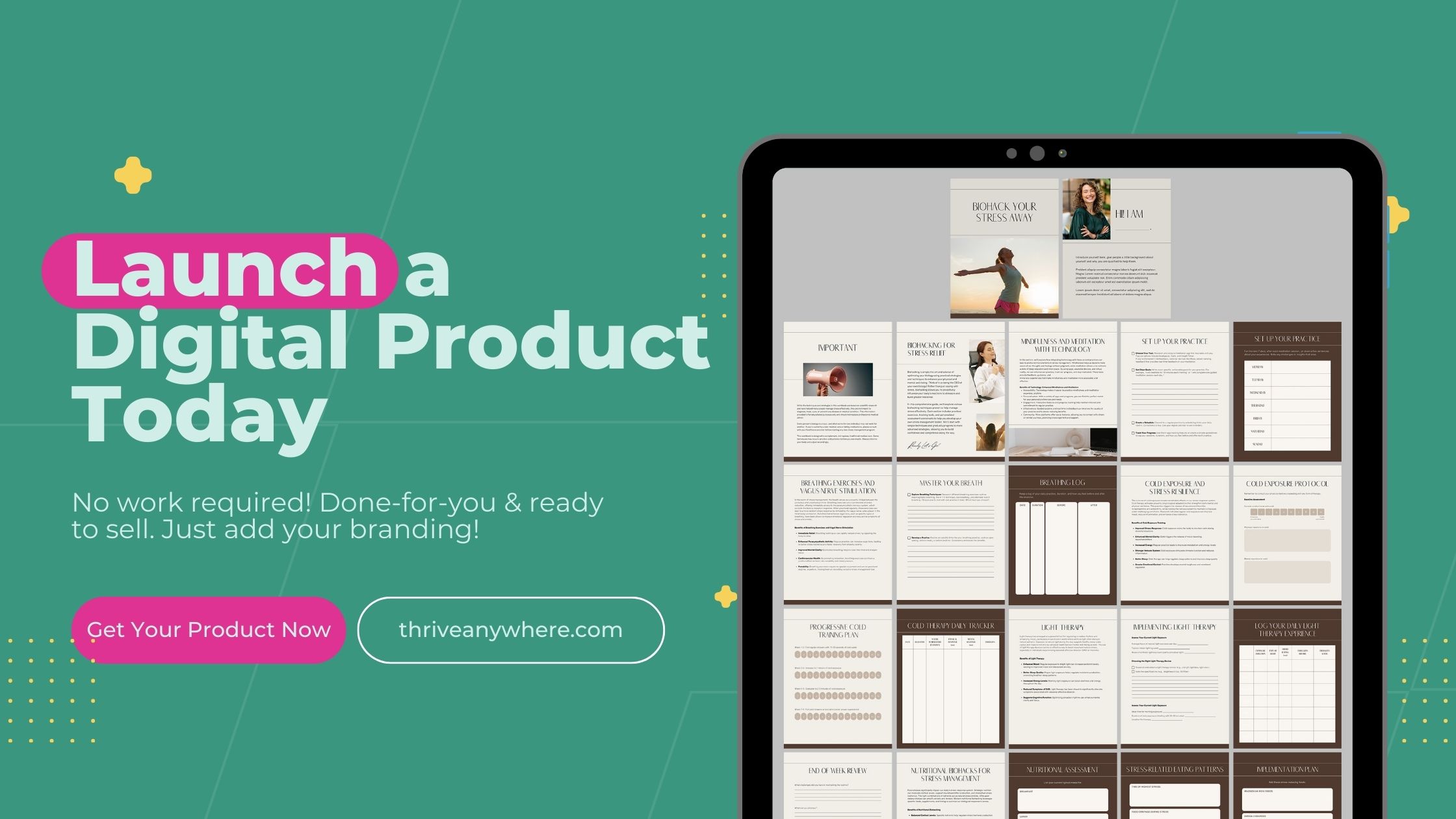
During presentations, using a PDF with embedded elements really impresses clients and gives my materials a polished look. Imagine clicking a link in a PDF and it opening a website in a new tab—super convenient!

In my experience, when clients can interact with the document I send, it creates a more dynamic experience. Interactivity helps convey information in a fun and engaging way, and that’s what I always aim for.
Ease of Sharing and Accessibility
Simple Distribution
Lastly, let’s talk about ease of sharing. Another big reason I stick to PDFs is how easy they are to distribute. I can send a PDF via email, share it through cloud storage, or even post it on social media without worrying about compatibility issues.
This means whether I’m sharing a simple invoice or an extensive report, I know it’s easy for my clients to get the information they need without the fuss. I’ve found that using PDFs helps me maintain smooth communication with everyone.
Accessibility is also a major factor. No one likes getting blocked out or waiting forever to access files. PDFs load quickly and are generally more accessible across varied internet speeds and devices, making them ideal for anyone in a hurry—as we often are!
FAQs
1. Why choose PDFs over other file formats?
PDFs maintain formatting across platforms and devices, ensuring that what you created is exactly what others see, plus they offer robust security features for sensitive information.
2. Can PDFs include interactive elements?
Absolutely! PDFs can have links, forms, and even multimedia elements, making your documents not just informative but engaging as well.
3. Are PDFs secure for sending confidential information?
Yes! PDFs can be encrypted and password-protected, making them a safe choice for sharing sensitive documents.
4. How do I ensure my PDF will look the same for everyone?
Since PDFs are designed to preserve formatting, as long as the recipient has a PDF viewer, they will see your document just as you intended.
5. Can I edit a PDF after it’s been created?
Yes, but you’ll need specific software to edit PDFs. Otherwise, they serve best as a final version for sharing.